Self Hosted Cloud Server
2023 August
I'm not a big fan of subscription based services, so I wasn't too keen on spending extra for cloud storage on iCloud and Google Drive. Thus I made my own. The framework I decided to use was Nextcloud as it was free and open source with a very active community. I also decided to self-host it inside my garage as Linux hosting services are also subscription based. For redundancy and improved read/write performance, I set up the server with a RAID 5 configuration using three 6TB HDD, providing a total usable capacity of 12TB and 6TB of parity. This also means the system can tolerate the failure of one drive without data loss.
I ran Nextcloud on Apache2 as the main web server, with virtual hosts configured to separate services and SSL certificates to secure connections. I integrated Cloudflare for DNS management (DDNS) and wrote a Bash script that uses the Cloudflare API to automatically update “A” records whenever my dynamic public IP changes (the point was to keep cost down, so I did not want to pay 30 bucks a month for a static IP from my ISP). I included logging and error handling within the script and had it scheduled as a periodic cron job, that way my services stayed reachable from the internet without manual DNS adjustments. Along the way, I ran into some MIME type support issues for modern file formats. Later I also started using Nginx as a reverse proxy to improve performance and resource handling compared to a pure Apache setup.
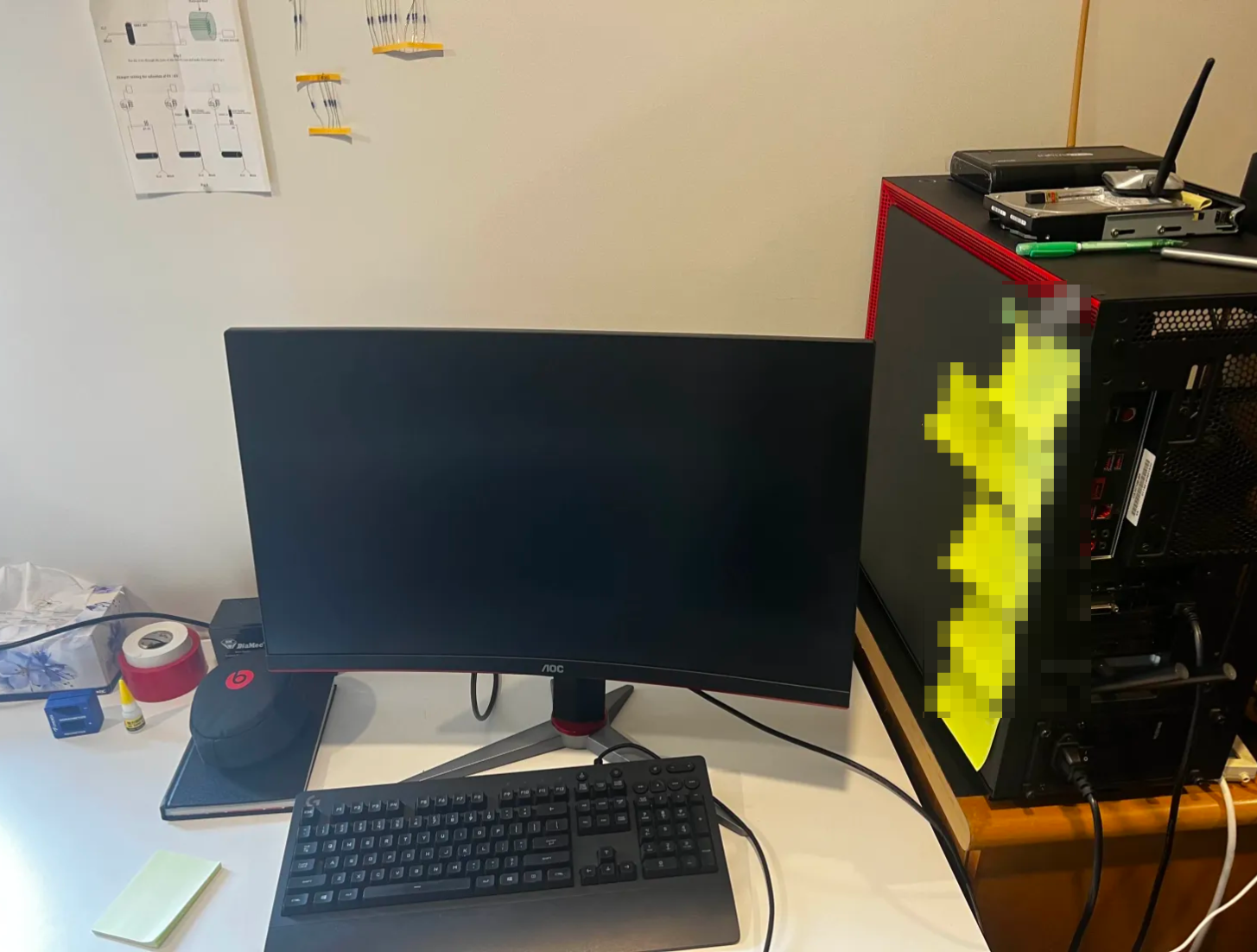
My repurposed PC Cloud server running Nextcloud with RAID 5
Since I was going to be away a lot, I made sure to have secure remote access. I configured my Ubuntu server as an SSH host, generated and managed public/private key pairs, and hardened the sshd_config by disabling password logins. This was a serious setup as it exposes direct backend access to my home server on the internet, making it a potential target for malicious intrusion if not properly secured. I also forwarded the generic local ports to the server’s SSH service so I could log in remotely without exposing the machine directly to the internet. I also had some fun setting up a simple honey pot on the generic ports which I forwarded elsewhere. The tunnel was also assigned a domain instead of relying solely on my public IP, making the setup more secure and resilient against IP changes without opening ports on my router.
Overall, the server worked very well. The UI was very user-friendly and Nextcloud’s mobile app was especially handy. While upload speeds outside of New Zealand weren’t very fast, it didn’t affect my use case, since most uploads were for backup and redundancy rather than real-time work. I was also able to create individual accounts for my family and friends, allocating each of them their own space on the server.
Some possible future plans for the server include migrating the services to Docker containers and setting up a proper VPN, which got more functionality and stronger security than my current tunneling setup.
You can take a peek at the server here.
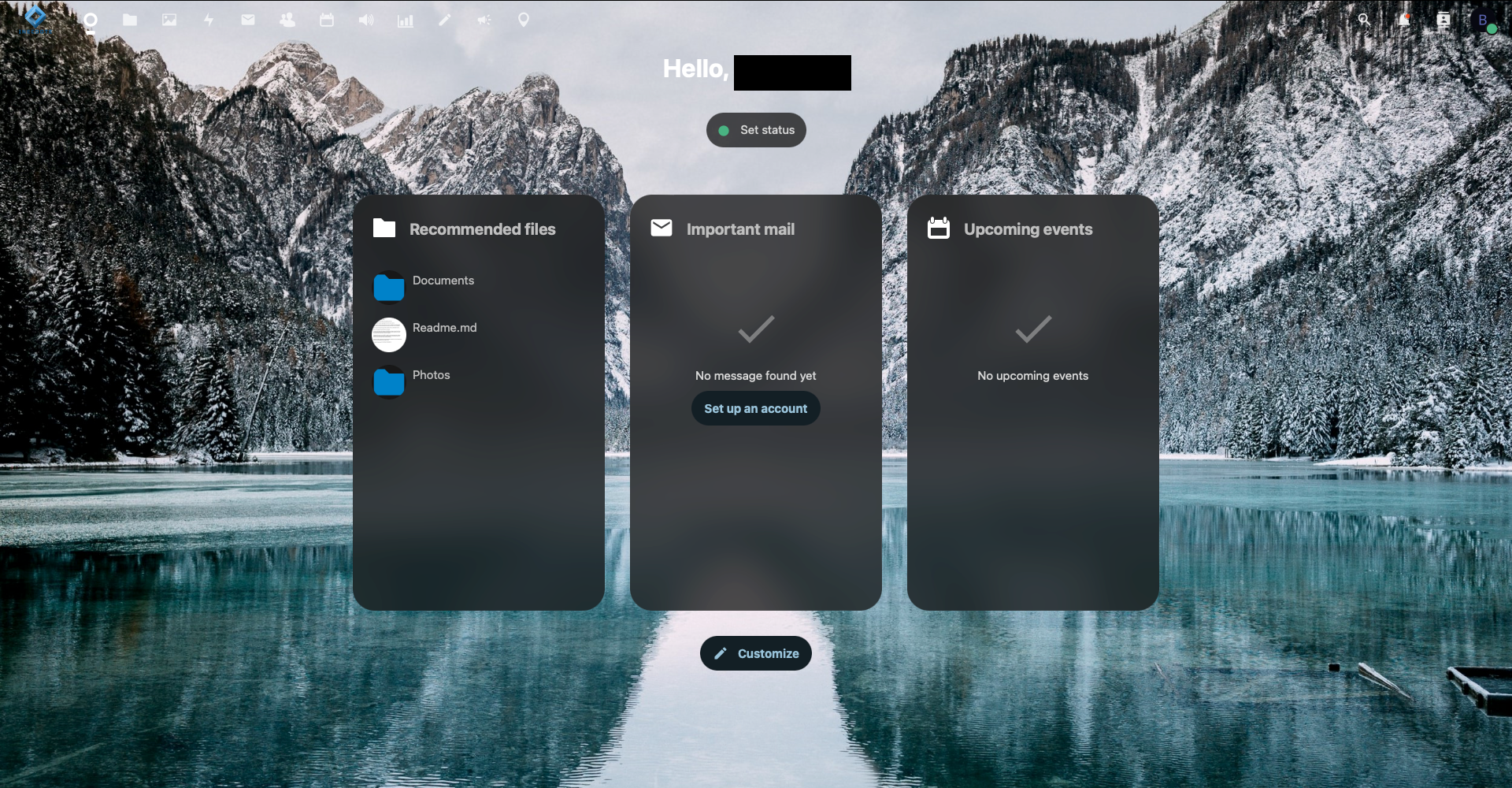
Typical home page of my cloud server
2025 August update
After running for two years with very little down time one of my old HDD has finally kicked the bucket. the system got corrupted and the server is currently offline. I tried booting in but I got dropped into BusyBox with an error stating /dev/sdd4 had filesystem corruption and needed fsck. Due to the nature of the system actually running on a RAID-5 array, /dev/sdd4 was just a member disk, not the real filesystem. The actual root lived on /dev/md127, which was my assembled RAID device. Running fsck there confirmed the filesystem was clean, so hopefully all of my data could be recovered without any data loss since I have a RAID-5 set up. However since initramfs is very minimual, I can’t rebuild the RAID or fix the boot config from that shell. So far the only solution I've found is to boot from a live ubuntu USB and then assemble the RAID and then fix everything else.
I hope to have the server back up soon, but i've been real busy lately with other stuff, hopefully next time around I could also migrate all my services onto docker like I always wanted.
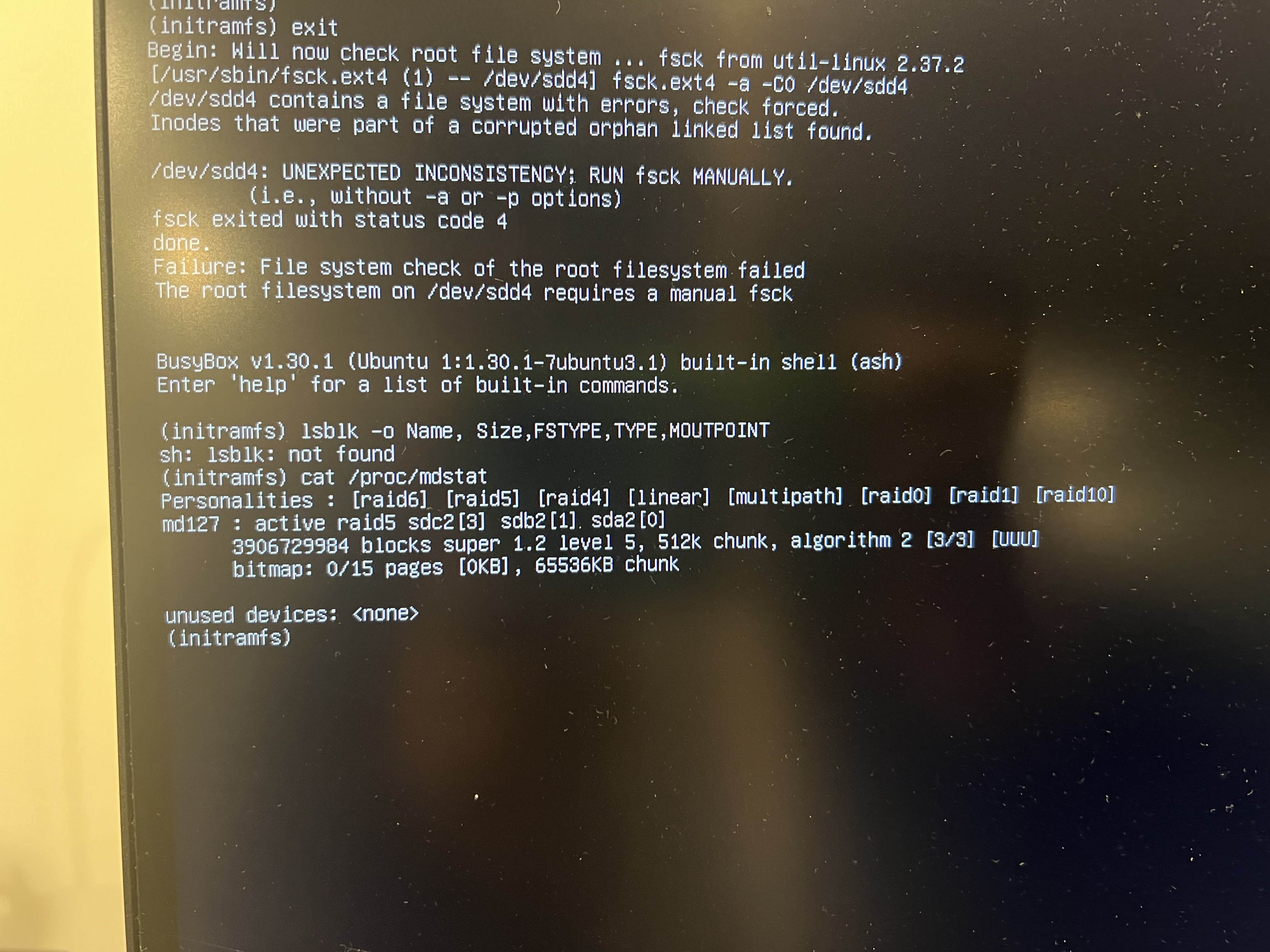
Lookes like one of my hard drive corrupted